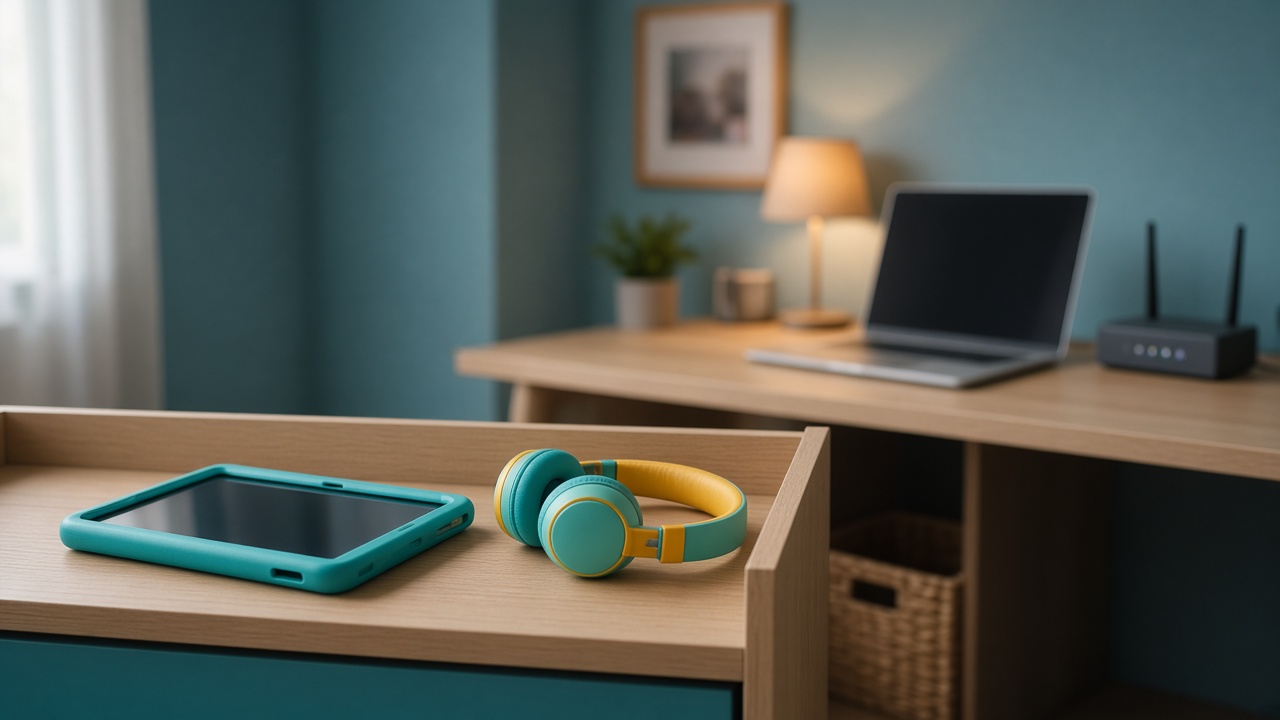
A child’s phone, tablet, school laptop, or gaming computer already has a job. It carries messages, lessons, games, and the ordinary mess of growing up. That job is enough. It does not become spare infrastructure because the screen is dark for an hour, or because a parent paid for the device. Participation in a bandwidth network, if it is ever offered, is an adult decision on an adult machine. The child’s device stays out of every plan we make at home.
MetaEdge describes The NEST, planned for 2026, as software an adult account holder would install. Participation is for adults aged 18 and over. Children do not install nodes, and they do not lend their devices so that an adult can install one “on their behalf.” Rewards would be variable and are not guaranteed. This article is parental education. It is not financial or legal advice, and it does not ask families to put children to work for any network at all.
A boundary that does not depend on the device
The rule is about the person, not the hardware. A powerful laptop used by a fifteen-year-old is still that teenager’s daily tool, even if a parent’s name is on the receipt. A cheap phone with a cracked case is just as clearly out of scope. Speed, storage, and a long battery do not create eligibility. Eligibility in this model starts at adulthood. If the person who lives with the device is under 18, the device is not a candidate, however idle it looks after school.
Parents sometimes separate “my purchase” from “their device” in order to feel practical. The separation does not hold. The child is the one who receives messages, stores photos, joins classes, and is told by friends to install things. Putting a node on that object mixes an adult contract with a child’s private life. It also teaches the wrong lesson: that a young person’s machine is a household asset to be scheduled. The machine can have house rules about bedtime and apps. It is not a node.
Say the boundary before anyone is tempted. “Nothing that is yours to carry or to study on will run sharing software. Not your phone. Not the school laptop. Not the computer you game on.” The sentence does not need a threat and does not need a promise of money later on an adult machine. It is complete by itself. When a link arrives, the sentence is the answer. Curiosity about how networks work can continue at the kitchen table, on a screen an adult closes when the explanation is done.
School devices, family devices, and personal ones
School laptops and tablets are the clearest exclusion. A school sets the terms, often including what may be installed and how the device is monitored. A household does not override that with a bandwidth experiment. Even a well-meant node could break a policy, fill storage, or create a support problem the family cannot fix. If the only computer a child has for homework is a school machine, the answer is not to enrol it after hours. The answer is that this household does not participate on that device at all.
Shared family computers need a label. If everyone uses one login, the machine is a poor host for any node, because a child can click through prompts. If there are separate logins, the child’s login is still out. An adult who wants, later, to try software does it on the adult’s login, on a machine the adult actually controls, and only after reading terms. “The computer is in the living room, so it is everyone’s” is not a reason to include the sessions where a child does homework or talks to friends.
Personal devices are personal even when parents pay the bill and set the rules. A gaming PC in a teenager’s room is a personal device for this purpose. So is a phone that never leaves a pocket. Parents can require passwords they can reset, limits on hours, and no secret installs. Those controls support care. They are not a stepping stone to running a node while the child sleeps. Sleep, school, and private messages are the uses that win. A dark screen is not vacant capacity.
Age, accounts, and consent
Accounts for this kind of participation are adult accounts. Eighteen is the floor, not a suggestion that mature sixteen-year-olds may start early. A parent cannot consent a child into an operator role. Signing in on a child’s device, or asking the child to sign in, does not repair that. The terms, the off switch, and any later look at a reward belong with an adult who could also refuse. If the household’s only willing click would come from someone under 18, the household is not ready, and waiting is the honest choice.
Consent from a child is not a missing ingredient that completes the plan. A teenager may say they are fine with it, or even eager, because a friend described earnings. Eagerness is not capacity to accept a contract, and a friend’s number is not evidence. Parents can thank the child for telling them and still say no. The no protects the child from being the person who has to keep software running, explain it at school, or feel responsible when a reward does not appear. Responsibility of that kind is adult-sized.
Privacy notices do not become suitable because a child is skilled. MetaEdge says The NEST is designed so personal files, browsing history, and local storage stay untouched, and so enterprise traffic is encrypted and isolated. Those claims must be checked by an adult in the real documentation, on a machine that is not full of a child’s photos and school accounts. A child should not be the tester. Testing is not a lesson in this case. The lesson is that some tools are read about and then left closed.
What participation would disturb
A phone is a poor place for a background task the household does not fully control. Battery, heat, data limits, and notifications already compete with messages and maps. Adding a node would ask the device to serve a second master. Even if a future design claimed to be light, the child’s day would still be the wrong place to find out. Homework uploads, calls with family, and the simple ability to have a quiet device in a pocket matter more than a variable reward that cannot be promised.
A gaming PC has the same problem in another shape. Fans, heat, and electricity affect the room where a young person sleeps or studies. An article about an idle gaming PC can help adults think about an adult’s own machine. It does not transfer the conclusion onto a child’s machine. If the computer is the one they use for play and schoolwork, it stays a play and schoolwork computer. Switching it off when play ends is a fine household rule. Leaving it on for a node is not.
There is also the social disturbance. A child who believes the family computer is “earning” may repeat that at school, feel pressure to keep it running, or be asked by others to install something similar. Parents can prevent that story by never starting it. No screenshot of a balance belongs on a device a child can show. No chore chart should list “check the node.” The absence of those rituals is part of the boundary. It keeps technology talk from becoming a job.
How to explain the rule without fear or shame
Children do not need a frightening speech about hackers in order to accept the rule. A calm version is enough. This device is for you: school, friends, and the things we already agreed. Sharing spare internet, if we ever do it, is an adult choice on an adult computer. Your messages and photos are not the spare part. We are not saying your device is bad. We are saying it has a different job. The explanation can end there, especially with younger children.
Older children may argue from skill or from fairness. “I know more about the settings than you do.” Skill can be acknowledged without handing over the account. “Then you can help me read a page, and I will decide.” Fairness gets a similar answer. Everyone uses the Wi-Fi. Not everyone may change what the Wi-Fi is for. The password on the fridge is for connecting. It is not permission to install. If a friend says their parents allow it, that house’s choice is not ours, and a story is not documentation.
Avoid shame in both directions. Do not mock a child for wanting to help the bills, and do not praise them for trying to sign up. Helping the household is a real impulse. The right help at this age is ordinary: schoolwork done, devices charged for the morning, no secret installs. Money help, if the family needs to talk about it, is a conversation about real costs and real limits, not about a network that is still a 2026 plan. The child leaves the talk included, not recruited and not scared.
What adults can do instead
Adults who are curious can learn on their own terms. They can read what The NEST is described as, check whether it exists in their country, and keep children’s devices off the list in writing. They can update the router, separate admin and Wi-Fi passwords, and decide that no one installs from a forwarded link. Those steps are useful even if the family never participates. They do not require a child’s login, a child’s phone, or a child’s time after school.
If an official offer appears later, the adult questions stay adult. Whose machine, which hours, what the notice says, how to pause, and whether the reward rules are variable rather than promised. A yes, if it ever happens, does not migrate onto the devices that were excluded. A new phone for a child is not a new node. A hand-me-down laptop becomes a child’s device when the child is the one who depends on it. The label follows the person, not the original receipt.
The calm outcome is a house where devices have names and jobs. The school laptop does school. The child’s phone does the child’s communication, within the rules you set. An adult computer, if it ever runs a node, does so only under an adult account, with the freedom to stop, and without a story that the family income depends on it. Until 2026 is a real offer where you live, even that adult step can wait. Waiting does not waste the children’s devices. It leaves them to the life they were bought for.
Frequently asked questions
Can we install a node on a child’s phone if a parent owns the account?+
No. Ownership of the receipt or the account does not make a child’s phone a place to participate. Children do not install nodes, and adults do not install them on children’s devices. Participation is for adults aged 18 and over, on machines an adult controls.
What about a school laptop that sits idle at night?+
Leave it out. School devices follow the school’s rules, and homework comes before any experiment. A dark screen is not spare capacity. Do not enrol it after hours, and do not ask the child to keep software running.
Our teenager wants to help earn. Is that a reason to use their gaming PC?+
No. The wish to help is welcome, and the device still stays out. Rewards are variable and not guaranteed, and this is not financial advice. Explain that bills are an adult subject and that The NEST is a 2026 plan, not a chore for a minor.
When the child turns 18, does their old device become eligible?+
Turning 18 changes the person’s status, not automatically the role of a device full of their private life. Any participation would still be optional, on terms an adult reads, and should not be a surprise install on a phone they use every day. Talk first. Do not assume.
How do we answer a child who says friends are already earning?+
Say that a friend’s story is not documentation, that no amount is known, and that this house does not put sharing software on children’s devices. The NEST is planned for 2026. Curiosity can be answered at the table. Installation is not the answer.